
Change the primary table
The primary table controls which table your report is based on. Choosing the correct primary table is the first step when building a new report.
This article explains the steps to change the primary table and what happens to your report when you do.
If you’re unsure which table to choose, see Choose the correct primary table for guidance on selecting the right one.
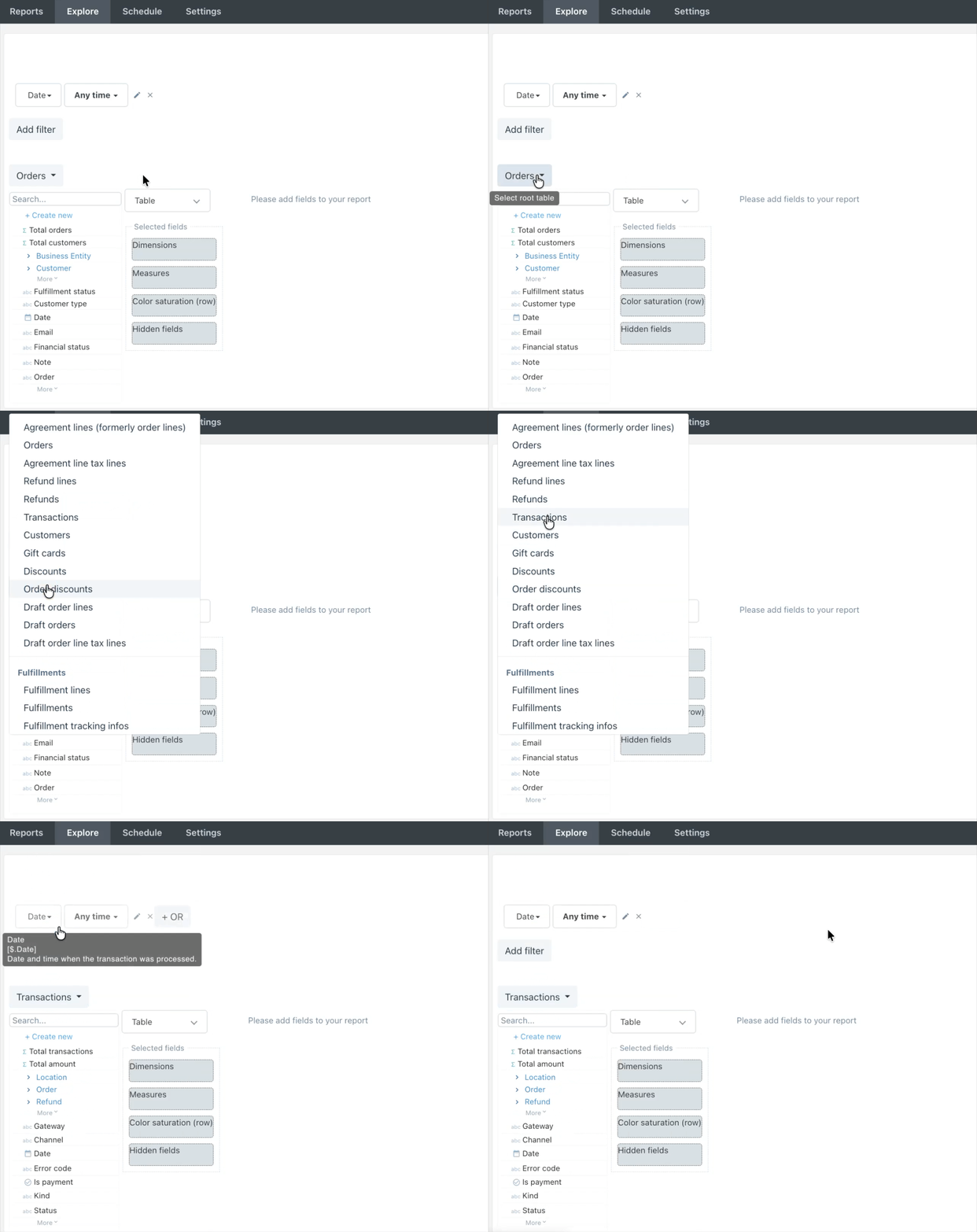
- Create a new report
- Select the Primary table selector above the Available fields pane
- Select your preferred primary table
⚠️ Changing the primary table removes all applied fields and filters from your report. This action cannot be reverted even if you switch back to the original primary table.
Need more support?
If you get stuck or have additional questions, you can contact our team directly through the Help widget in the bottom-right corner — we typically respond within one business day.